Tasklist
This section shows files that users have worked on and scheduled for further follow up later across the month. The section is divided into all list and summary.
All List
This shows a list of all the case files that are due and past due for action on the system for their internal users. A filter feature is available for the user to narrow down what type of updated files they want to view.
Summary
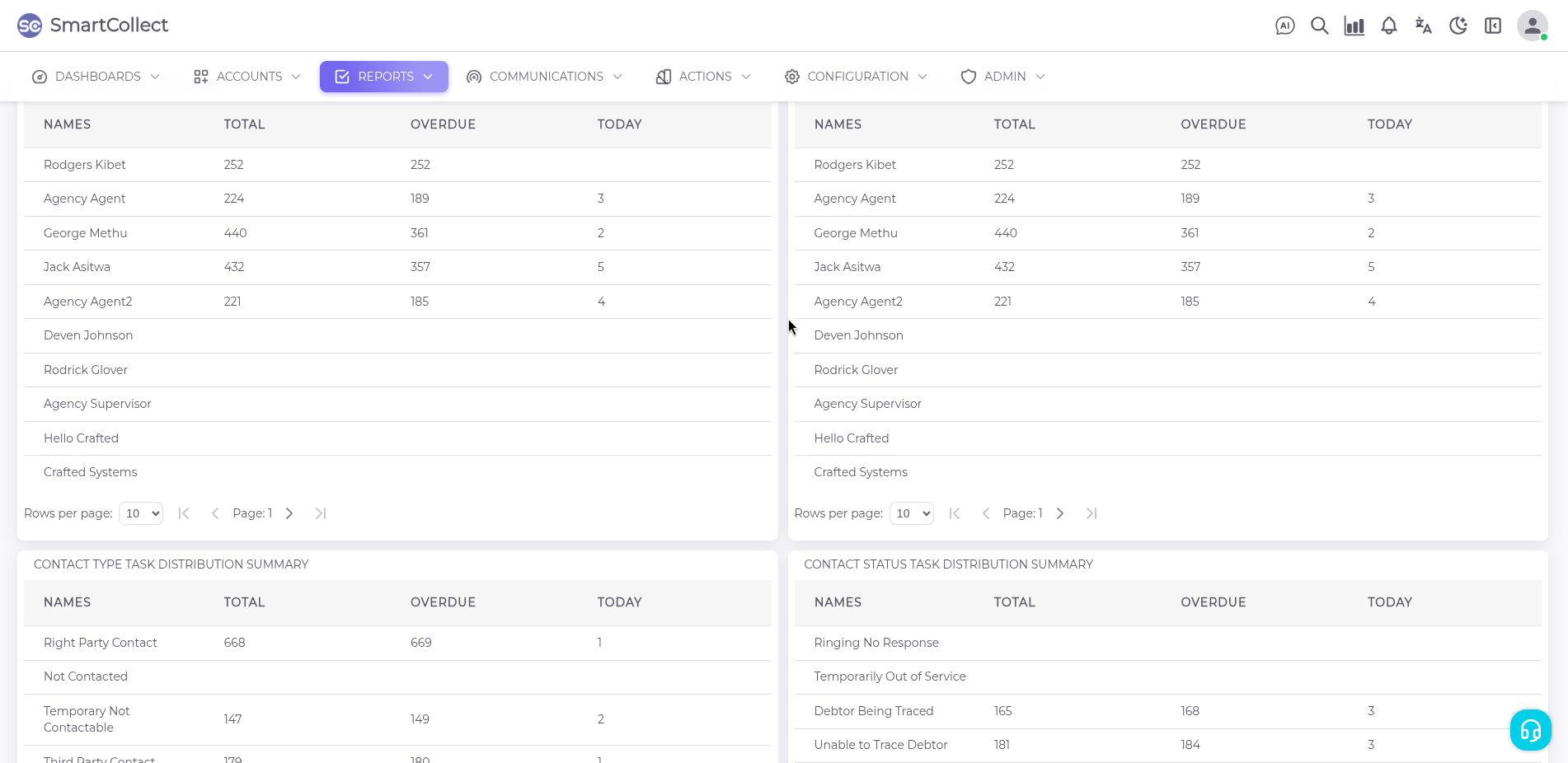
The summaries section shows a report on all actioned tasks in the system, providing further analysis based on how they are distributed by user, product, contact type and contact status showing the total number against overdue and the day’s tasks.