Connections
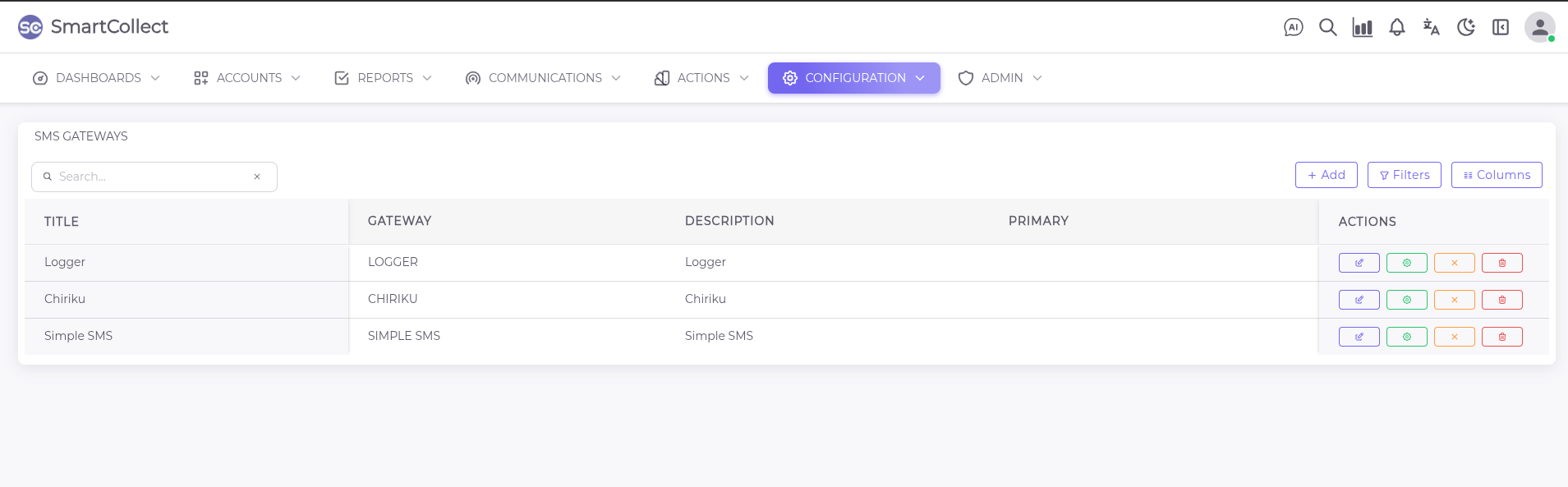
SMS Gateways
This sections shows all the bulk sms providers that have been intergated with the system with the options to edit, confirgure, deactivate or delete.
How To Add a Gateway
Once configuration is done, the end user can add a gateway by clicking on the +Add button.When the Menu pops up ,fill in all the relevant information as guided then save.
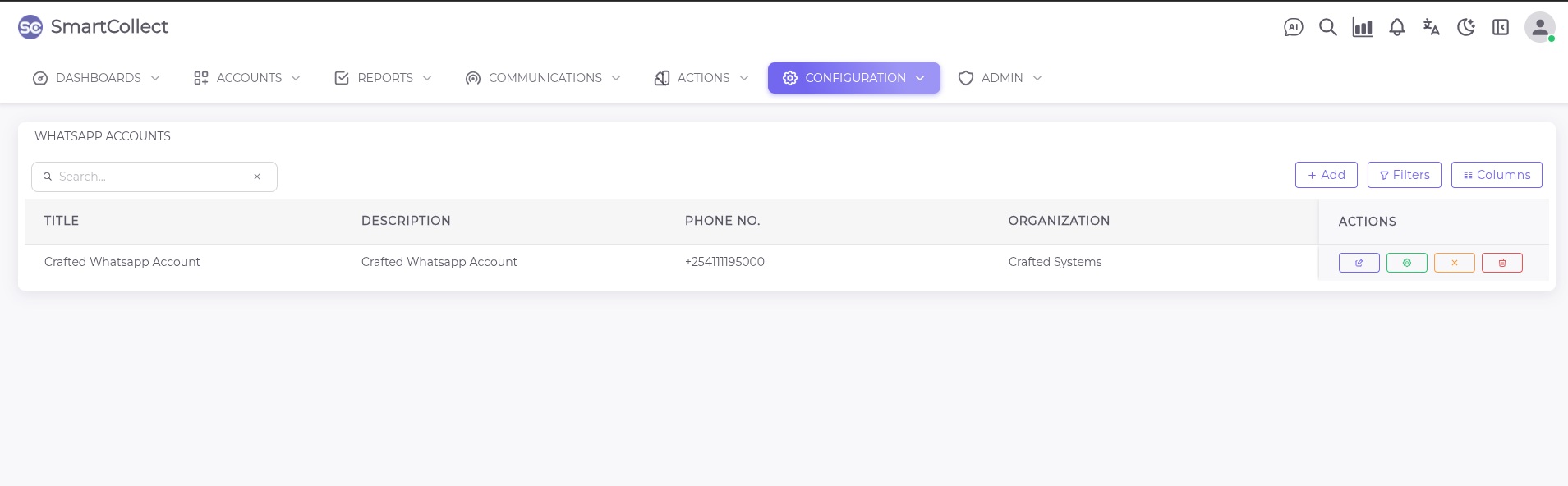
WhatsApp Accounts
Here you will see all the accounts registered under the company and ready for use. You can edit , configure, deactivate or delete from the list.
How To add WhatsApp Accounts
Click on the Add button to activate the menu on the right hand side, then proceed to input the data as directed by the system Once you have all the required information of a registred business on whatsapp the new account can be added as show below. All the fields marked with the asterisk are mandatory.
SMTP Lists
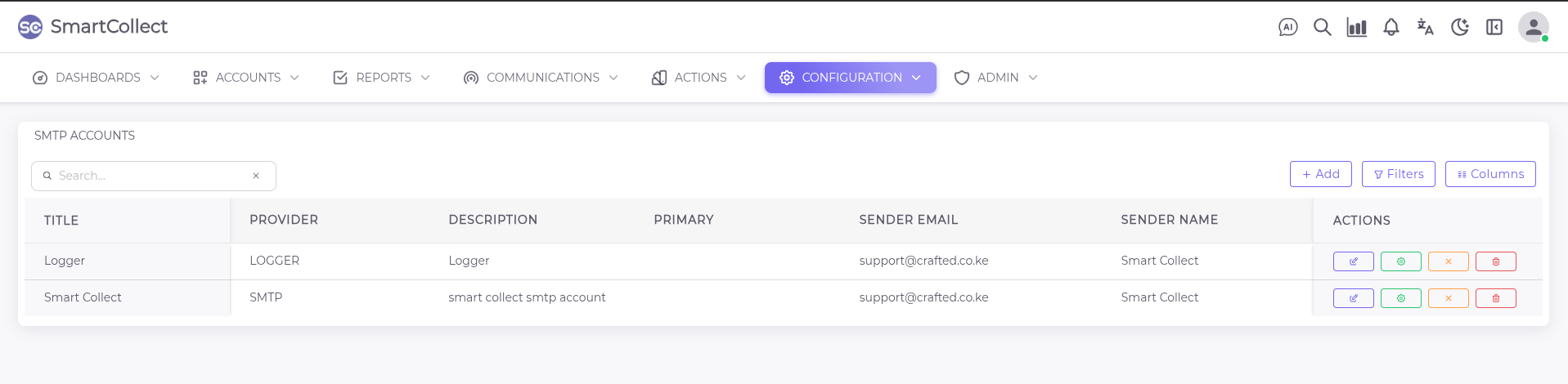
We provide a list of all email accounts integrated on the system. From here you can edit , configure, deactivate or delete.
How To Add an SMTP Account
To add an SMTP account the provider has to be configured before-hand on the system. On the add section all you need is the provider name and other basic details that are marked with an asterisk.
For more than one account the user has to select whether it is the primary account or not.
PBXes
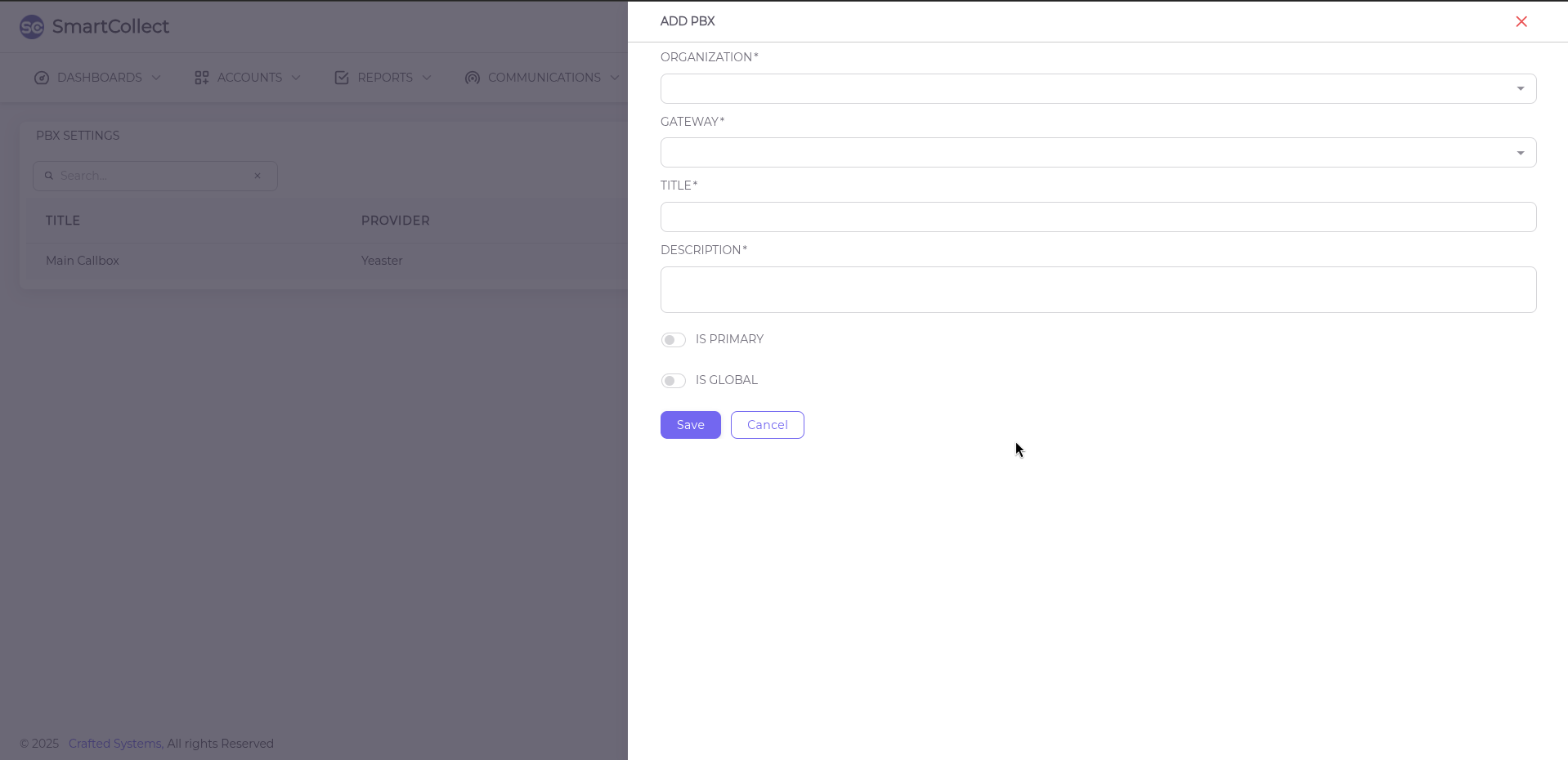
From this section you can see details of the integrated calling module with the options to edit, reconfigure , deactivate and/or delete.
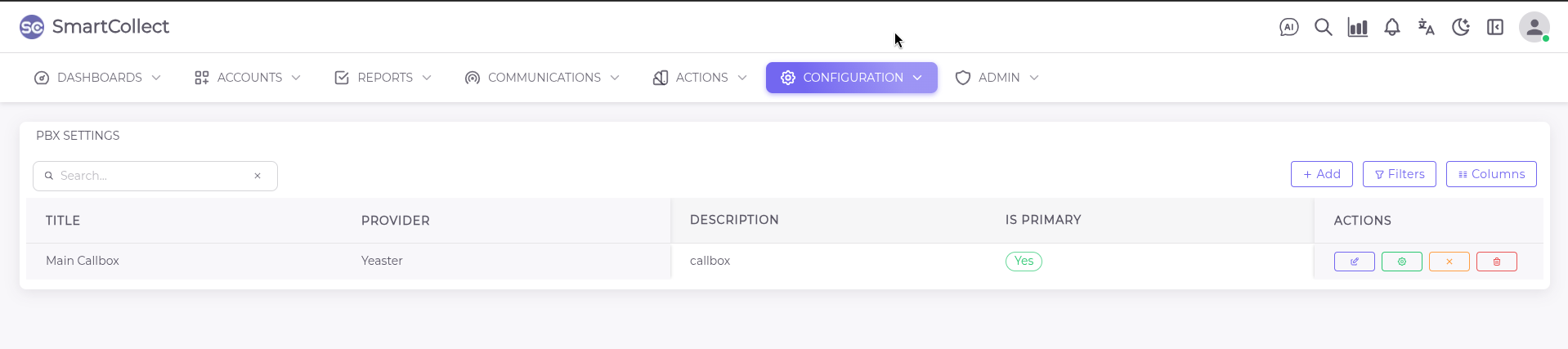
If there is need for more PBXes to be integrated onto the system , we provide the add option that requires specific gateway information to be added on the back end of the system.
While adding , the admin has to select whether it will be the primary and/or global PBX to be used accross all organizations and agencies.