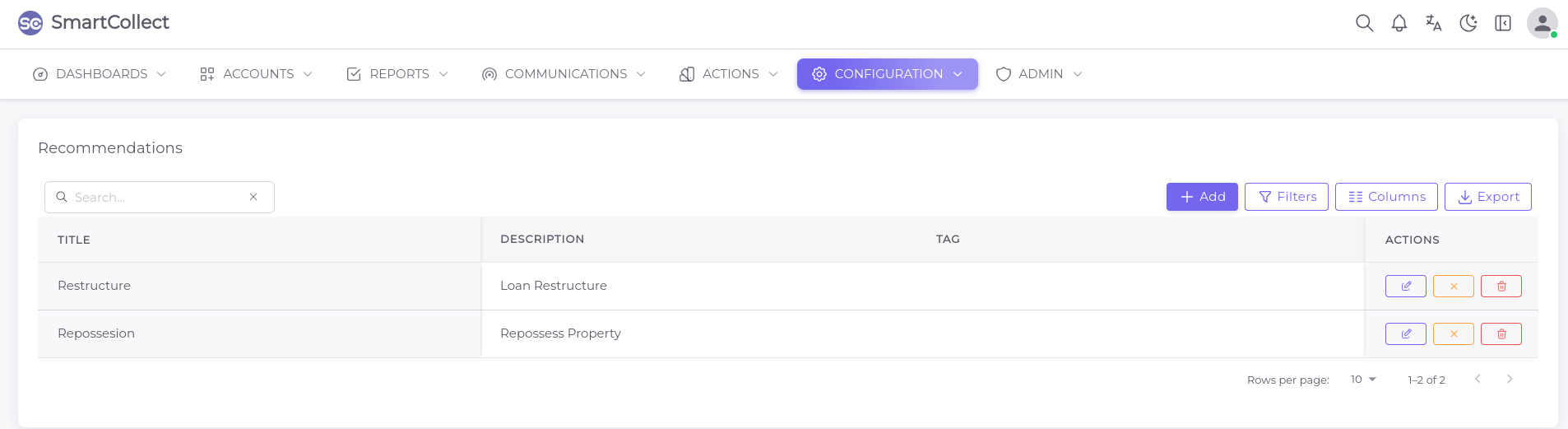
Configuration
This section defines the different aspects and procedures of the collection process from the moment an account is created on the system to all the stages it goes through upto the final stage when the account is being closed. Users also have the access to add extra information or define another aspect, depending on internal operations. You can edit , deactivate and/or delete any of the below fields.
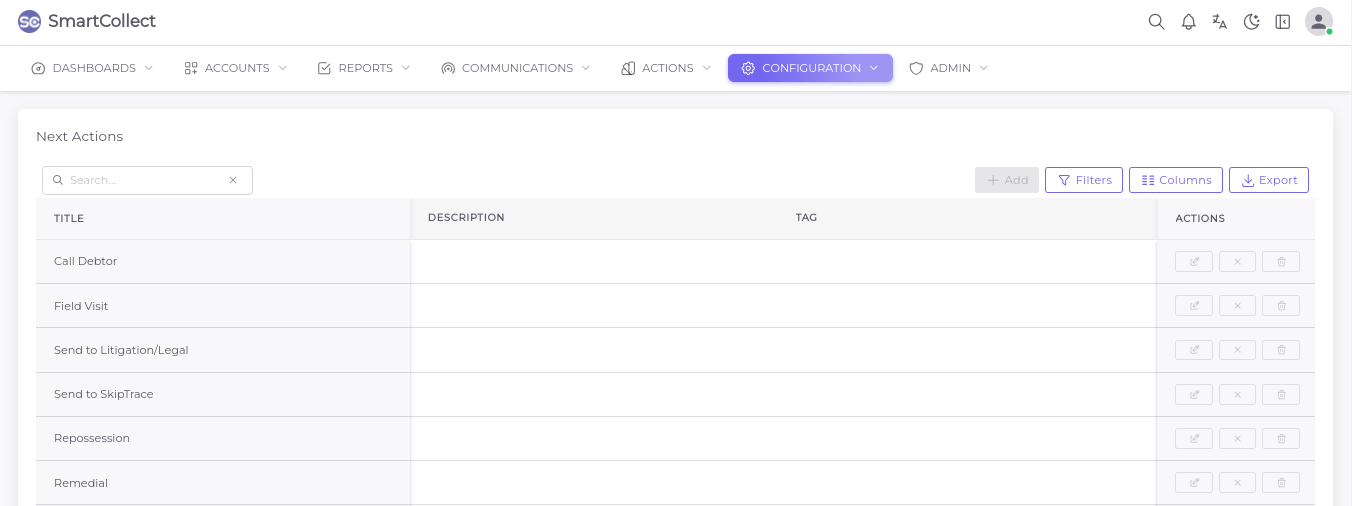
Next Action
Next action selection is a mandatory step when updating casefiles, what a user plans to do after.
This section lists and defines the available actions with an allowance for users to add as many as
they would like for internal purposes. Admins have access to edit the title and description or
deactivate the actions.
Contact Type
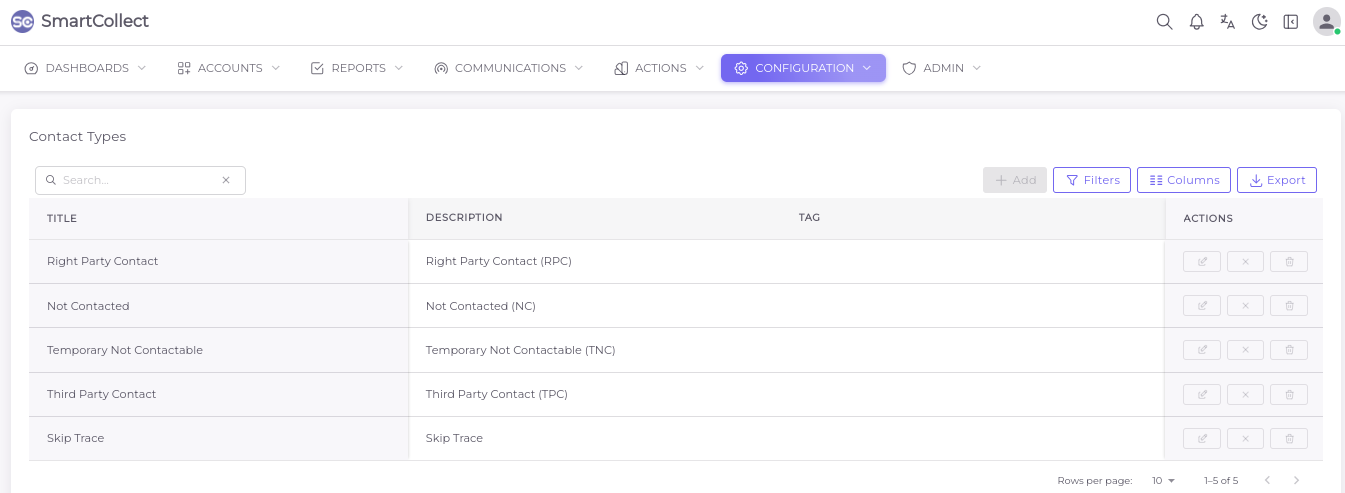
This is a mandatory field when updating a case file. It is the outcome a user gives after they
have attempted to reach a client/debtor.
This section lists and describes the available types with an allowance to add another contact
type. Admins have access to edit the title and description, deactivate and delete the actions.
Contact Status
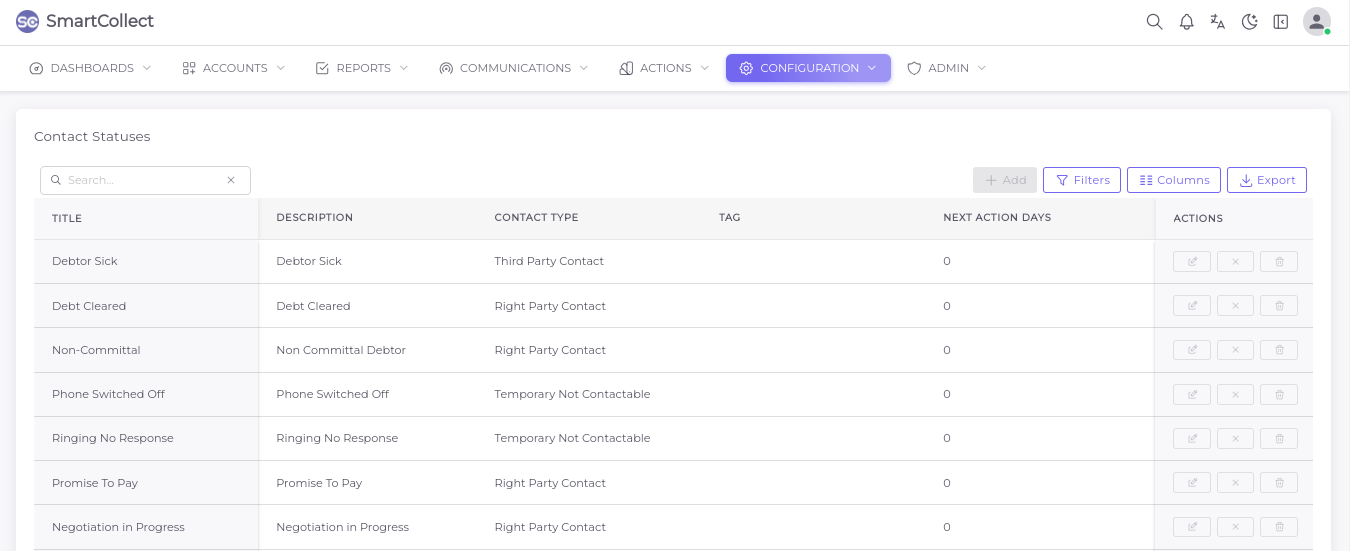
Contact statuses are also mandatory when updating case files. They provide a filtered
description of a call outcome based on the contact types
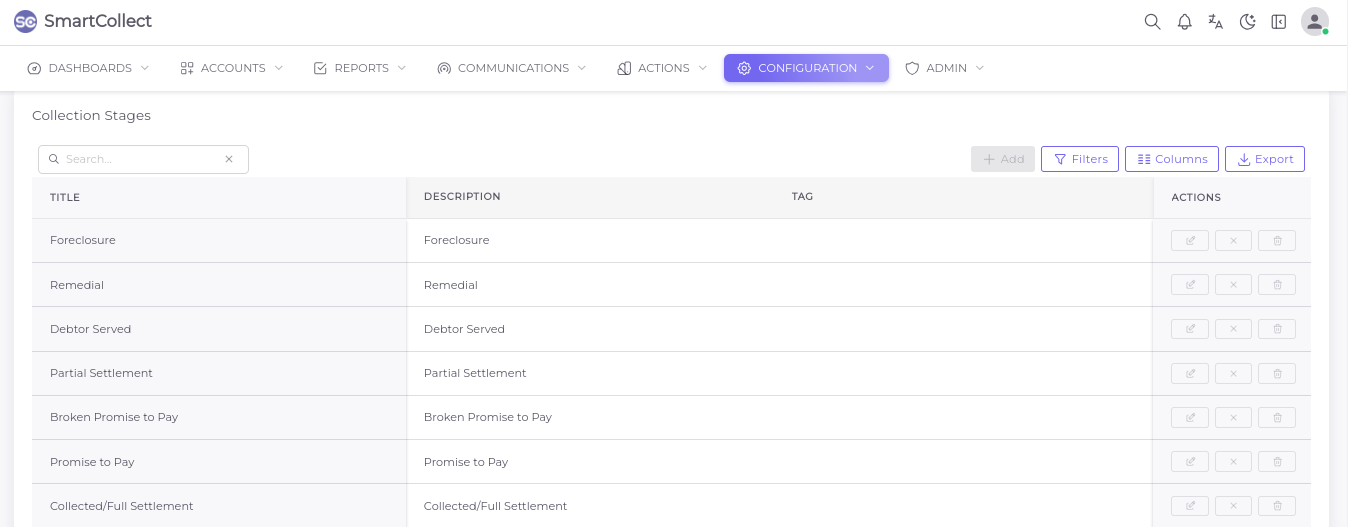
Collection Stages
The process which a case file goes through when opened until it is closed. When updating case
files, users must select the stage to be successful.
Collection Sub Stages
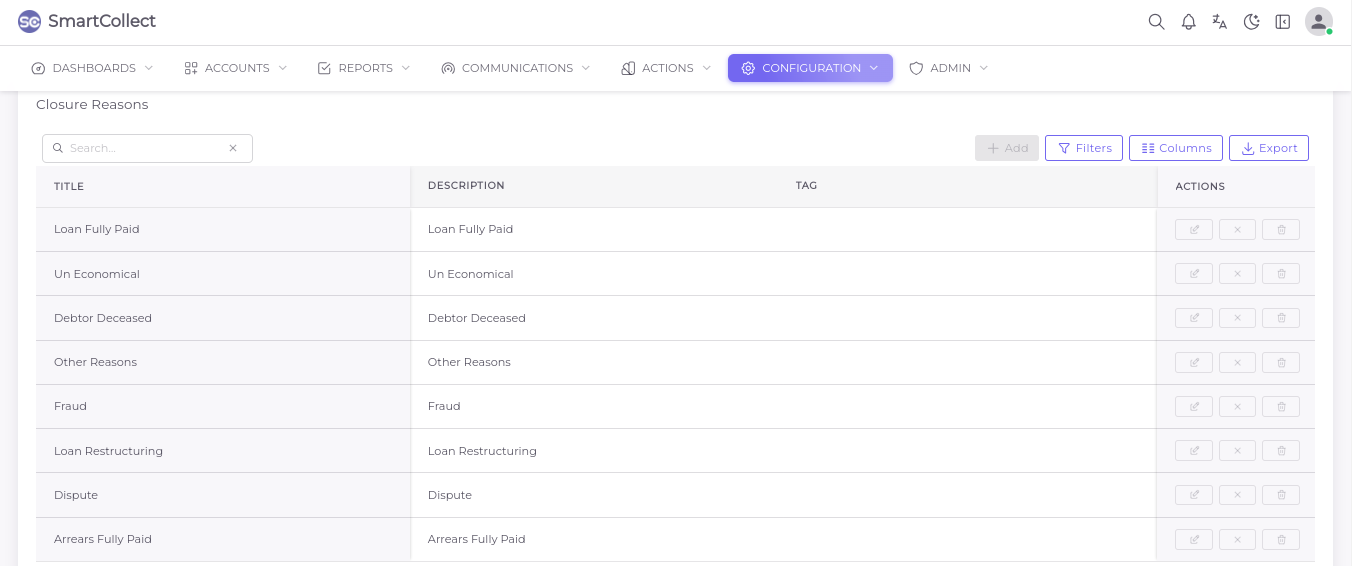
Closure Reasons
For effective or successful deactivation of files, a user must submit reasons as to which the files are being closed. This section lists and defines all the available closure reasons with the access to add as many reasons as desired.
Dispute Reasons
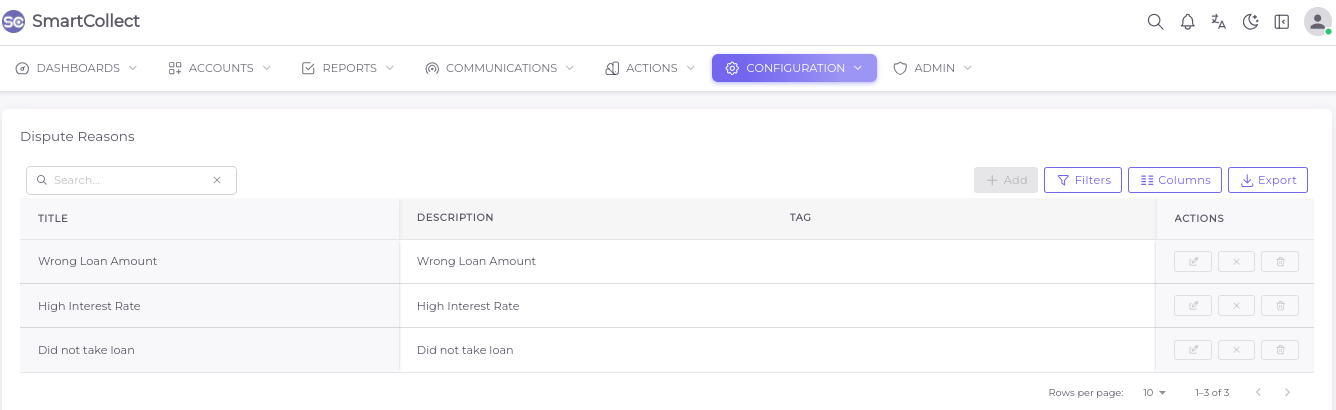
When a debtor disputes the facts of a debt, the user must provide a reason during the update
process. This section lists and describes all the available closure reasons with the access to add
as many reasons as desired.
Delinquency Reasons
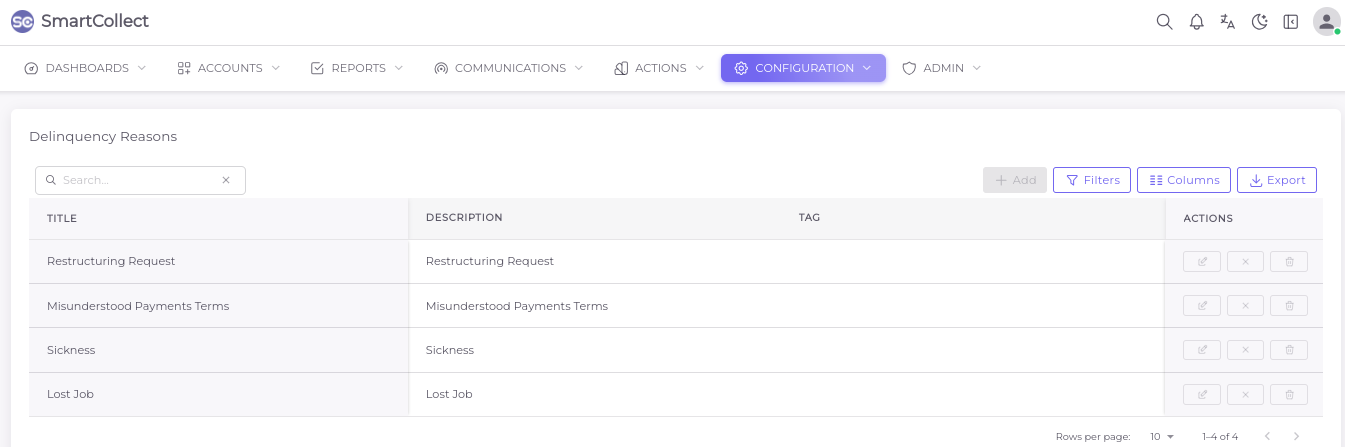
This section lists and defines all the available reasons as to why the loans went into default, with the access to add as many reasons as desired.
Recommended Actions